Microsoft Outage Disrupts Millions: The Scams Experts Warn Could Follow
Scammers often exploit major technology outages with fake support messages, phishing links and promises of refunds. Here's how to protect yourself.

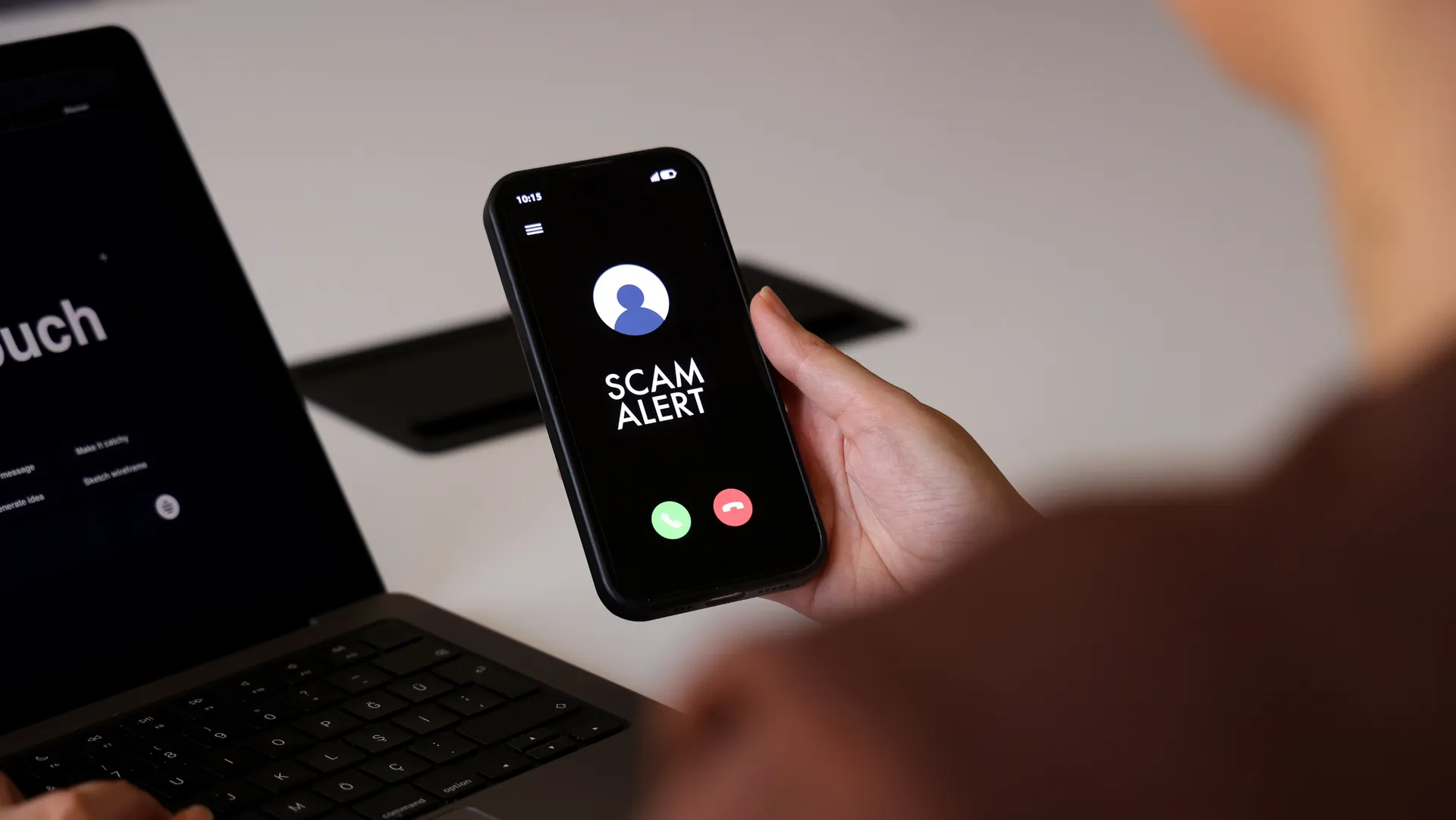
Yesterday, a Microsoft outage that took down Outlook, Teams and other critical tools disrupted work and daily life for millions. The major tech company is still working out the issues and, as of this writing, Microsoft 365 products for both business and consumers are still experiencing service degradation.
The widespread disruption has not only made work difficult, it's left millions vulnerable to a flurry of scams targeting Microsoft users.
Eric Hulse, Vice President of Research and Development at Command Zero, an AI Security Operations Center, has seen similar scams happen in previous outages. When CrowdStrike went down in 2024, for example, Hulse says the company's own team members were sent malware under the guise of software that would "fix" the issue.
From just $107.88 $24.99 for Kiplinger Personal Finance
Become a smarter, better informed investor. Subscribe from just $107.88 $24.99, plus get up to 4 Special Issues

Sign up for Kiplinger’s Free Newsletters
Profit and prosper with the best of expert advice on investing, taxes, retirement, personal finance and more - straight to your e-mail.
Profit and prosper with the best of expert advice - straight to your e-mail.
As you await word on progress or next steps from Microsoft, it's important to be wary of some of the most common types of online scams that tend to pop up during and after widespread outages.
What kind of scams should you watch for after the Microsoft outage?
When it comes to scams built around widespread events like this, fraudsters take advantage of what people are trying to do next, according to Eric Hulse. "They want to fix the problem, get back into their account, reach support or get compensated, and there's a fake version of each."
The common scams you might see include:
- Lookalike websites designed to steal your password and other information
- Fake support websites
- Calls or emails requesting access to accounts
- Promises of refunds for those affected by the outage
- Phishing links for restoring affected accounts
Hulse says it's hard to predict exactly which scams will crop up this time. But, he advises people to "watch for the email version of these, like a message asking you to sign in to restore your mailbox or re-enroll your multifactor authentication."
Be especially skeptical about any message involving payments. "Someone posing as your boss or a vendor, or the title company handling your closing, texts to say their email is down and they need a payment sent to a different account."
"Normally that request would look strange. This week it doesn't, because everyone knows email really is down."
Scam red flags to watch for in the Microsoft Outage aftermath

The biggest scam red flag, according to Hulse, is that they contacted you first. "Microsoft doesn't call people or text them about fixing a problem, so I'd treat any unsolicited message about the outage as a scam until proven otherwise."
If any message is claiming to be from Microsoft, be especially skeptical. If it's from someone you have had previous contact with, reach out to them to verify via their usual email or phone number (not the one that just emailed or texted you).
Another red flag is a sense of urgency or pressure. "There's nothing a consumer needs to do about this outage at all," says Hulse. "Microsoft has to fix it, and there's no tool to download or account to re-verify on your end." That means there's no need for you to provide your login credentials to anyone, make payments or take any other steps to restore your account.
Emergency Preparedness for Future Outages
If this recent Microsoft outage has taught us anything, it's that relying on tech without any backup options can be risky. To minimize disruptions in the future, Hulse recommends having backups and alternatives at the ready. Here are a few emergency preparedness tips you can use to minimize disruptions in your life from future outages:
- Have a backup email from another provider. Hulse recommends adding this second email as a backup contact at your bank and brokerage. Since email is how most people reset passwords they have for other accounts, having a backup can give you another way in if your main email goes down.
- Use a password manager. Not only does this make it easier to manage multiple, unique passwords without having to memorize them, but it also helps you detect fake websites. "It won't fill in your password on a look-alike site," Hulse explains. Even if the site looks legitimate, if it's not giving you the option to autofill your saved password like usual, that's a sign you're not on the real page. Popular options include 1Password, Bitwarden and Dashlane.
- Write down important phone numbers. Whether it's a system outage or just a dead phone battery, it's a good idea to have a paper list of important contacts so that you can reach people even if you lose access to your full contact list.
- Don't rely solely on email for important information. "Keep copies of insurance cards and travel confirmations on your phone or computer instead of leaving them in your inbox," Hulse says. Having backup copies of key documents and details like this can minimize the disruption to your life that can happen during unexpected outages like this.
Finally, if you do end up getting convinced by a scam, report it to the FTC and immediately take steps to protect your accounts. The quicker you act, the more likely you'll be able to minimize the damage.
Related content